For individuals
Give your process a dedicated tool.
For creators, freelancers, and independent professionals. Turn a specific way of making, organizing, or managing work into an application designed for that task.
 Let's talk
 Original applications, tools, and engines for individuals and businesses. Built around your ideas, your rules, and how you work.
A tool for creating something new. A system that follows your business rules. An application for a process you know inside out. PhreeLabs starts with what the software needs to do.
For creators, freelancers, and independent professionals. Turn a specific way of making, organizing, or managing work into an application designed for that task.
For businesses with processes that depend on their own rules and decisions. Explore an internal tool or software engine that handles those steps consistently, with a scope defined around your team.
Three in-house projects: a native video-creation app, an original game engine, and the authoring app built for it. Different problems, each with its own software architecture.
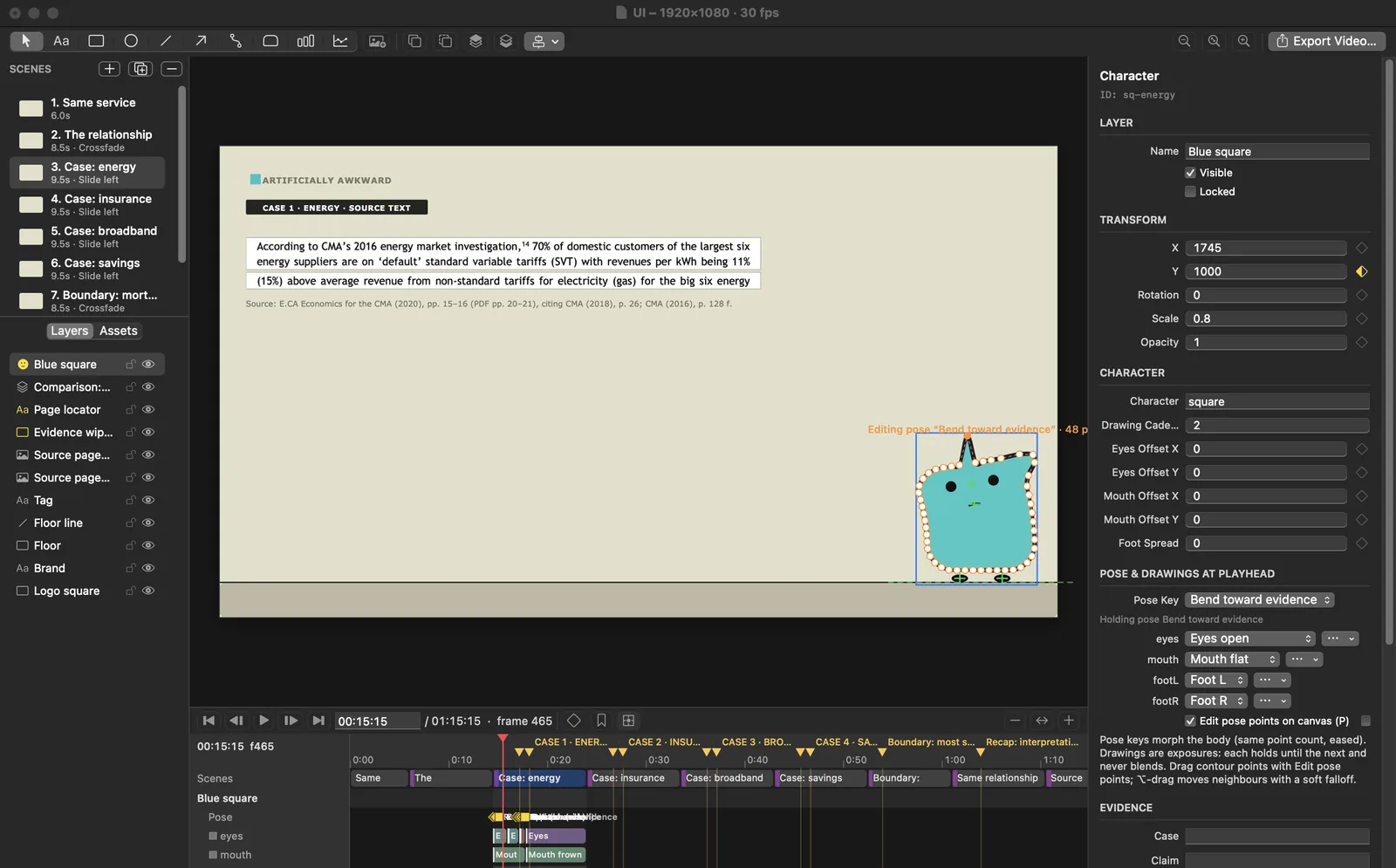
A native Mac app for building animated explanations. Bring character animation, connected comparison cards, and source references into a project you can save, revisit, and export as video.
Ask about Explainer StudioBuilt with Swift and AppKit. The v2 development report adds contour-based poses, drawing holds and onion-skin guides, attached facial features and planted feet, linked before/change/after cards, source-backed claim records, and reload-conflict handling. The build also includes a command-line tool and an MCP server that use the same command set as the app. The supplied Loyalty Penalty export demonstrates character poses, comparison cards, and visible source references. Editor features and automated tests have not been independently rerun. This is an in-house development build, not a public release.

An original engine for 2D platform-fighting games. Its runtime brings together character movement, platforms, collision, combat, animation, and scene playback.
Ask about WebsC++ runs the engine, Lua defines game behavior, and Python supports development tools and tests. An experimental learning system is also in development. Webs is a working development project, not a finished commercial release.
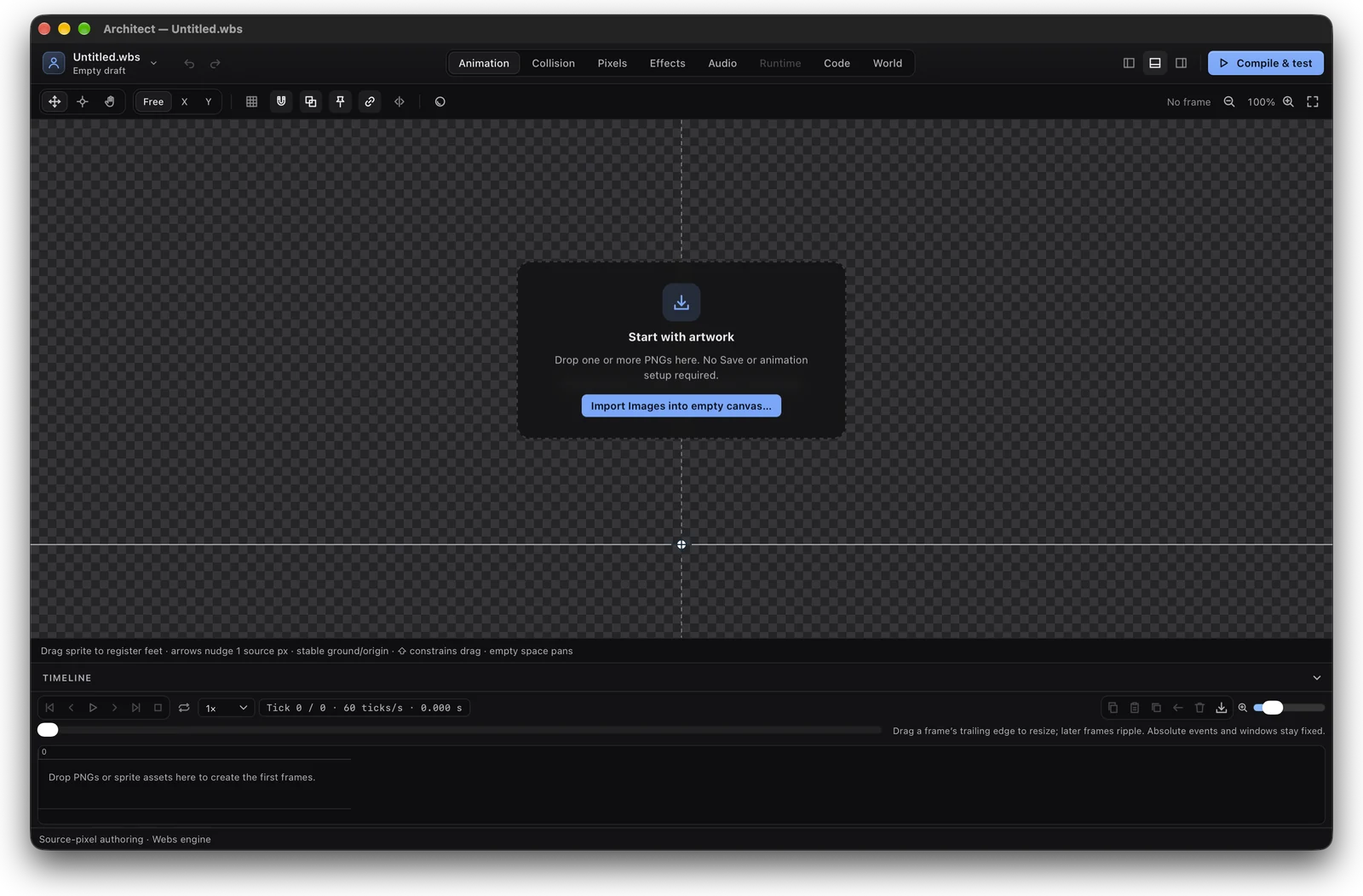
The desktop app for making games on the Webs engine. Start from PNG artwork, then build animation, collision, pixel art, effects, audio, code and worlds in one project. Compile & test runs it in the native engine, and a finished scene or menu screen packages into a playable Mac game.
Ask about ArchitectA native Mac shell hosts the React workspaces. Python owns project files and export, the C++ preview uses the engine's own match code, and project scripts are Lua, checked in the engine's sandbox before each test. Build game… packages a scene or a menu screen with the Webs player. Apple silicon only, locally signed and not notarized. This is an in-house development build, not a public release.
All three projects are developed in-house from original code, using standard frameworks and supporting libraries where appropriate. They demonstrate the work in the lab, not client results.
Start with the people, inputs, rules, and results. What should the software make possible, and what must it get right?
Agree on the essential functions, technical constraints, and how the result will be checked. Keep the first build focused enough to evaluate.
Try the software on the task it was built for. Review what works, what needs changing, and which additions are worth making next.
I'm Dervens Philemond, the builder behind PhreeLabs. My work spans creative applications, custom engines, and tools for specific workflows. You can start with a process to improve or an idea that needs its own software.
Email me what you want to build, who will use it, and what it needs to do. If you already have a workflow, describe the steps and where the existing tools fall short.
dp@phreelabs.com